
The topic 5 Windows benchmark tools that fit on a USB stick and need zero installation is currently the subject of lively discussion — readers and analysts are keeping a close eye on developments.
This is taking place in a dynamic environment: companies’ decisions and competitors’ reactions can quickly change the picture.
Between reviewing new hardware and poking at used laptops before I buy them, I spend time benchmarking machines that aren’t mine. Installing tools on someone else’s PC is always awkward, so I decided to build a USB stick to manage my benchmark tools with a minimum of artifacts left behind.
These tools are primarily Windows-focused, like most portable benchmark utilities. FurMark 2 also runs on Linux; I’ve noted platform coverage throughout. Worth knowing upfront: while none require a formal installer, some load kernel drivers temporarily to read hardware sensors. I’ll flag that where relevant.
CrystalDiskMark is one of the most widely used storage benchmarks, the recommendation for tons of SSD reviews, NVMe upgrades, and copy speed complaints around the ‘net. The portable ZIP version, available from crystalmark.info, will extract to a folder on your USB stick and run direct. You won’t have to worry about installers or registry entries, either.
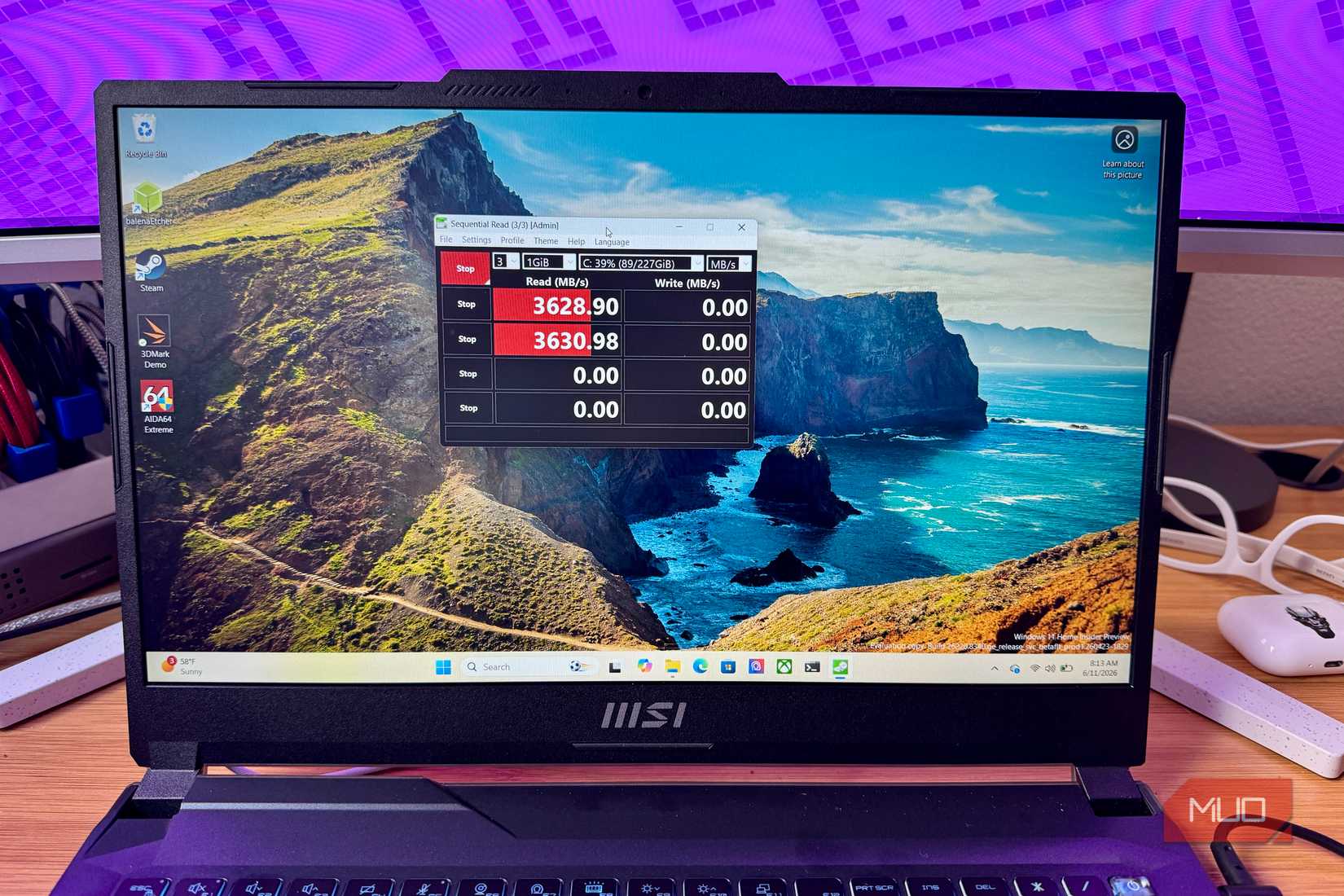
This tool measures sequential and random rea/write speeds across queue depths that reflect real-world use, from single threaded file copies to multi-queue NVMe workloads. You’ll pick a text file size between 16 MiB to 64 GiB, the number of runs, choose a drivce from the dropdown and then hit Run All. The NVMe SSD preset adjusts the queue depth and thread count for results you can use to compare to reviews, too. Just remember not to benchmark the USB stick you’re running this from. The current version is 9.0.3 from May 2026, uses Microsoft’s SiskSpd under the hood, and covers Windows XP through 11. It’s Windows-only, unfortunately.
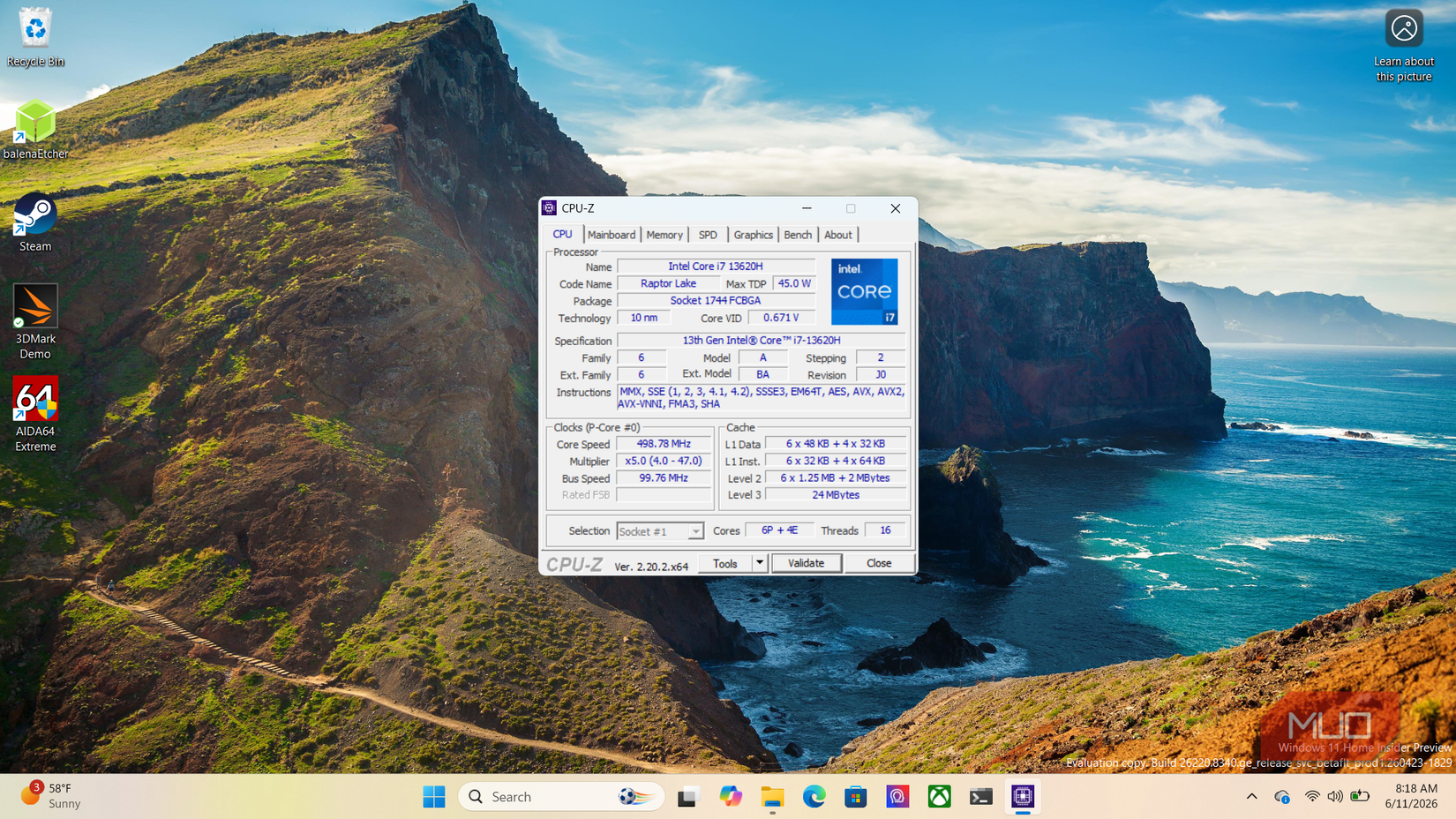
CPU-Z, found at cpuid.com, has been around for a long time, and has tons of different versions for hardware, including newer handheld gaming devices like the ROG Ally. You can grab the portable ZIP version and run cpuz.exe directly from the USB stick you copy it to. It’s under 9 MB once extracted and leaves nothing behind on exit.
This tool pulls detailed information on your processor (architecture, stepping, core speeds, cache), memory (type, frequency, timings, SPD data per slot), motherboard (manufacturer, model, chipset, BIOS version), and GPU. The Bench tab runs a basic single-core and multicore CPU benchmark you can compare against an online database, useful for a quick check on whether a machine is performing as expected or not. The ghost mode flag skips the UI entirely and writes results to a text file, which can be helpful when surveying multiple machines. The current version is 2.18 (October 2025), and is also Windows only.
You’ll download GPU-Z as an exe file and put it directly on your drive. It’s around 11 MB, making it an easy fit on most flash drives, and the current release is v2.69.0 from February 2026. It covers GPUs from NVIDIA, AMD, and Intel GPUs, and also can test the RTX 5000 and Radeon RX 9000 series. You can grab it from TechPowerUp.
The main tab shows architecture, process node, die size, transistor count, shader counts, memory type, VRAM size, bus width, and current clock speeds. The Sensors tab shows real-time GPU load, temperature, power draw, and fan speed. There’s also a GPU load test to verify PCI Express lane configuration, useful for confirming a card isn’t running at x8 instead of x16. Plus, GPU-Z can back up your graphics card’s BIOS, which overclockers will appreciate. This one is Windows only, too.
FurMark 2 also requires no installation; it’s an easy download and copy to your USB drive. You’ll download the ZIP from Geeks3D, extract it, and then run the launcher from there. It’s available for both Windows 32/64 and Linux on x86 and ARm, making it more cross-platform than any other tool on this list. The current version is from October 2025: 2.10.2.
This tool earns its “power virus” status via sustained OpenGL and Vulkan workloads using fur rendering algorithms designed to maximize GPU heat output. Run the tool for 10 minutes at your target resolution and watch your temps, clock speeds, and power spike. If your GPU is going to throttle, artifact, or crash, this is where you’ll find out. Version 2 added a Vulkan renderer alongside the original OpenGL path, better command-line support, and improved multi-GPU handling. On my RTX 4050, I had to manually select the discrete GPU in the Vulkan dropdown since it defaulted to the integrated Intel chip, so keep that in mind on laptops.
Grab this tool from hwinfo.com and download the portable ZIP instead of the standard installer. Extract it, drop it on your USB stick, and run HWiNFO64.exe. The latest version is 8.48 as of May 2026, and it’s free for personal use.
Quick note on the portable definition here. HWiNFO64 loads a kernel-mode driver to access hardware sensors and creates temporary registry entries while it runs. It cleans up on exit with no permanent footprint, but will require a UAC prompt to run. THat’s a decent tradeoff for the amount of data it grabs for you, though, with readings for every CPU core, GPU, memory channel, voltage rail, fan header, and NVMe drive temperature. The summary view covers key specs; the full hardware tree drills into everything. Sensor logs export to CSV, too, which can be useful when documenting hardware for review work. It’s Windows only, too, but covers Windows 7 to 11.
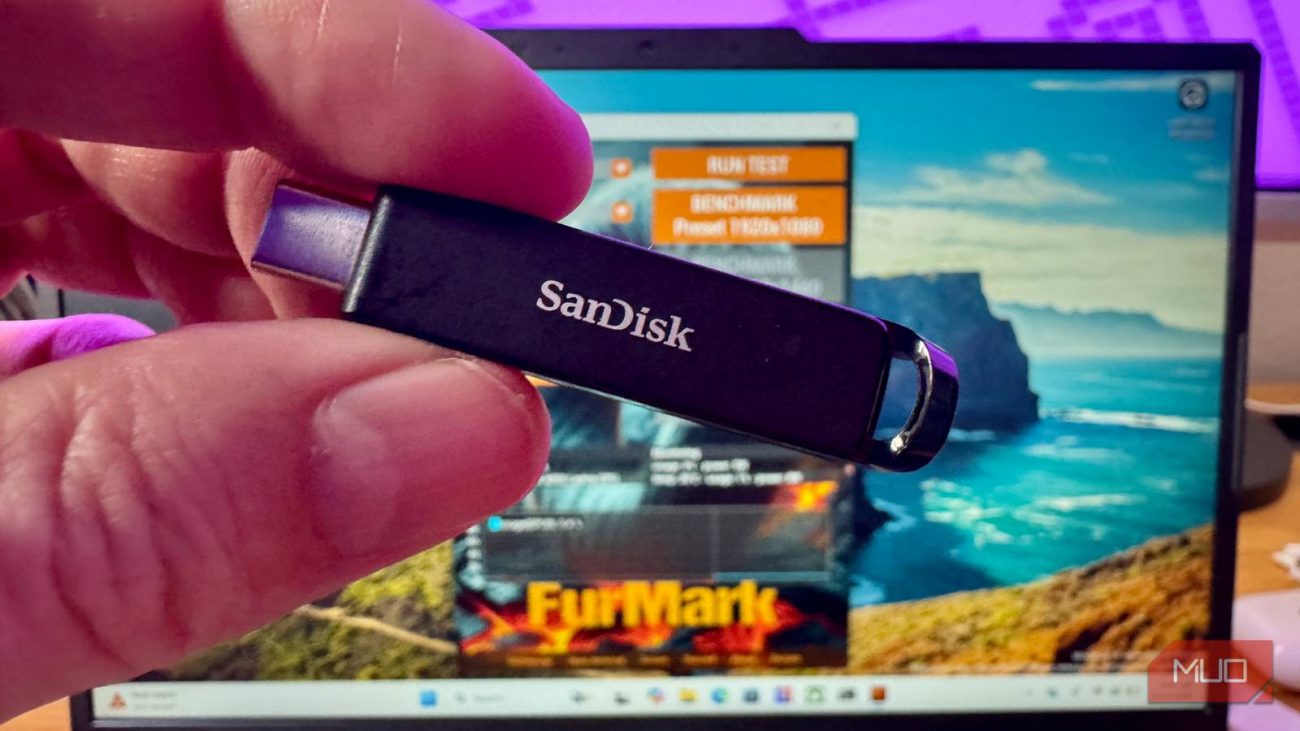
The five tools above fit on even smaller USB drives, like my 32 GB Sandisk USB-C. CrystalDiskMark and CPU-Z are portable ZIPs you extract once, GPU-Z and FurMark 2 are single executables, and HWiNFO64 comes as a portable ZIP that needs one UAC click. TOgether they cover storage, throughput, CPUT and GPU specs, GPU stress testing, and full system sensor monitoring. Keep it all on your thumb drive and you’ve got a diagnostic kit for any Windows machine you sit down at, whether you own it or not.
The SanDisk Extreme PRO 512 GB USB-A Flash Drive offers elite performance in a rugged metal shell. Delivering read speeds of up to 420 MB/s and write speeds of up to 380 MB/s, this drive effortlessly handles large files, 4K footage, and complex creative workflows. Its retractable USB-A connector design ensures portability and protects the interface when not in use, while 128-bit AES encryption and included RescuePRO Deluxe software help safeguard your data and recover files.
